
Use the Passport Size Photo Maker on idcardmerge.com to prepare your photo. Learn about image size, cropping, background, and passport photo requirements.
Need a passport size photo for an application? The Passport Size Photo Maker on idcardmerge.com is designed for people who want to prepare a photo for a passport or similar document. Before starting, choose a clear picture with good lighting and enough space around your face for cropping.The correct photo dimensions, background, and facial positioning depend on the country and document type. A picture that looks suitable may still fail an official requirement if its size or framing is incorrect. It is worth checking the rules for your intended application before saving the final image.This page explains how to prepare a passport photo, what to check before uploading a picture, and how to avoid common mistakes. Use the available tool options to prepare your image, then confirm that the result meets the requirements of the relevant issuing authority.
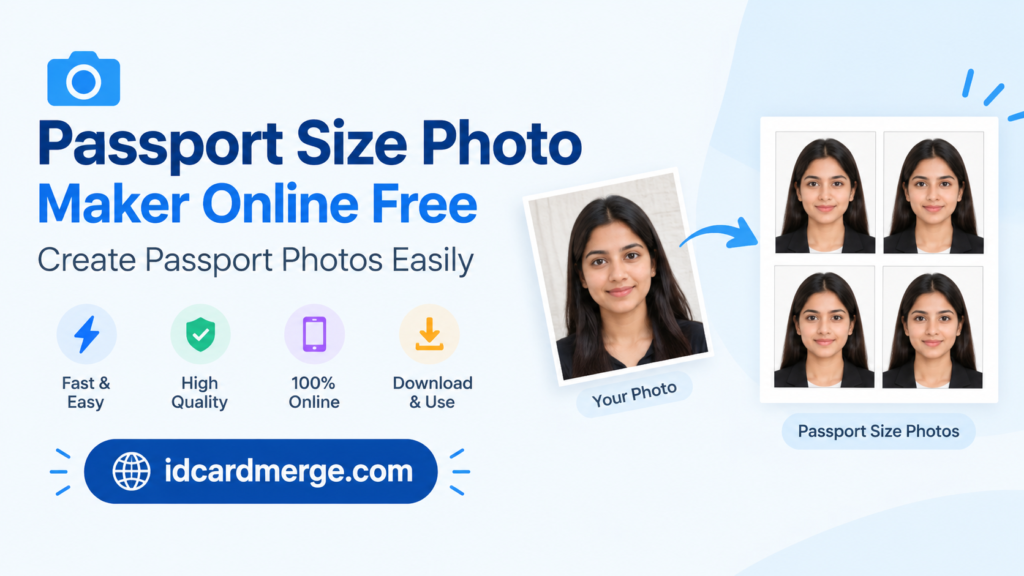
How to Use the Passport Size Photo Maker
Follow these steps according to the options available in the tool.
1. Choose a Clear Photo
Start with a photograph that shows your face clearly. Use a picture with even lighting, a simple background, and no distracting objects around you.Avoid heavily filtered images or pictures that are blurry. A poor quality source image may remain unsuitable even after cropping or resizing.
4. Review and Save the Result
Check the image carefully before saving it. Make sure your face is clear, the framing looks correct, and the image has not become stretched or distorted.Save the resulting file using the available download option. Before using it for an application, compare it with the official photo requirements for your destination.